Plan the show before the drawings.
Raise the gallery to scale, place the temporary walls and the fixtures, then walk the route and check the aisle widths and viewing distances. The drawings can come after.

Raise the gallery
Permanent or temporary galleries alike, raise them to scale from the floor plan. If you have a 3D model, import it and build the walls from that.
- Trace a photo of the plan
- Import a 3D model (Standard)
- Ceiling heights, openings and columns
- Connect several rooms
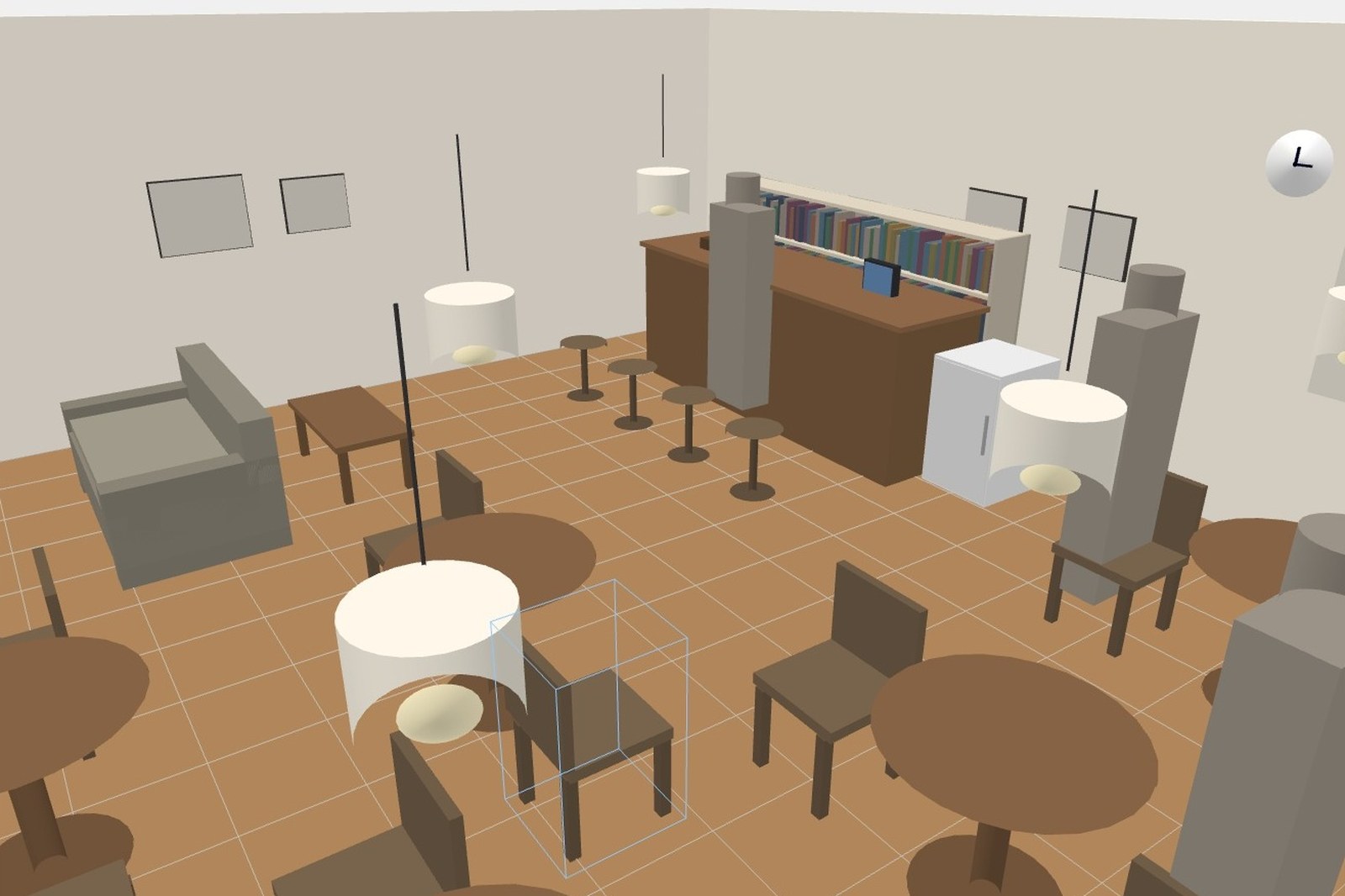
Temporary walls and fixtures
Divide the space with temporary walls and set out plinths and pedestals. Works sit on them at real size, so the balance between fixture height and work size is right there.
- Temporary walls and partitions
- Plinths and pedestals
- Places for panels and captions
- Place figures to judge scale

Walk the route
Walk it from the entrance in the order visitors will. Aisle widths, the distance you stand back from a large work, what meets you at the end of a run — things a plan view won't show.
- Walk it in visiting order
- Check the aisle widths
- Check viewing distances
- 3D, plan and walk views side by side
Hand over the drawings
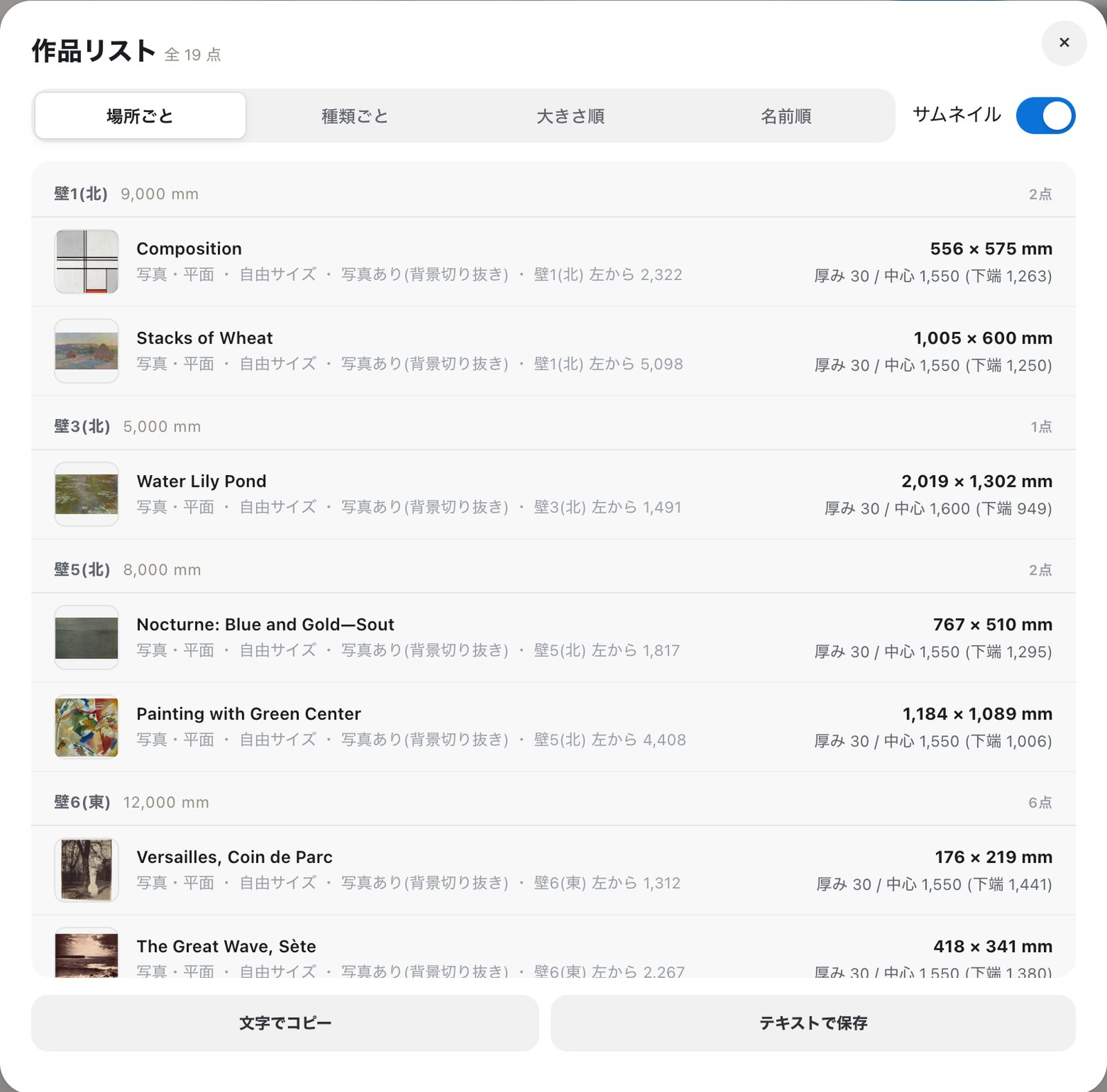
Export elevations by wall and a work list. For meetings with installers or co-curators, share a link and look at the same screen.
- Elevations with dimension lines
- Work list grouped by wall
- DXF, SVG and CSV (Standard)
- Share a link and look together
When it helps
- You want to compare rehang options side by side
- You're re-fitting a touring show for each venue
- You want aisle widths and viewing distances checked first
- You need to be sure the installers see what you see
- You're deciding how many temporary walls to build
FAQ
Can I keep more than one version?
Yes. Duplicate a plan and keep it as an alternative, then compare them.
What about a touring show where the venue changes?
Build each venue and place the same works again. The dimensions travel with the works, so you can see at once what fits.
Can I produce drawings for the installers?
You can export elevations with dimension lines and titles as PDF, PNG or JPEG, and on Standard and above as DXF or SVG.