One plan, wherever everyone is.
Send a link. They open it in a browser. From there you move the same drawing together.

Move it at the same time
Up to ten people can edit at once. One adjusts the plan, another sets the lights, another changes a wall color — all of it lands on the same screen.
- Up to ten people editing at once
- Changes appear immediately for everyone
- Connect as many of your own devices as you like
- Changes are kept while you're away
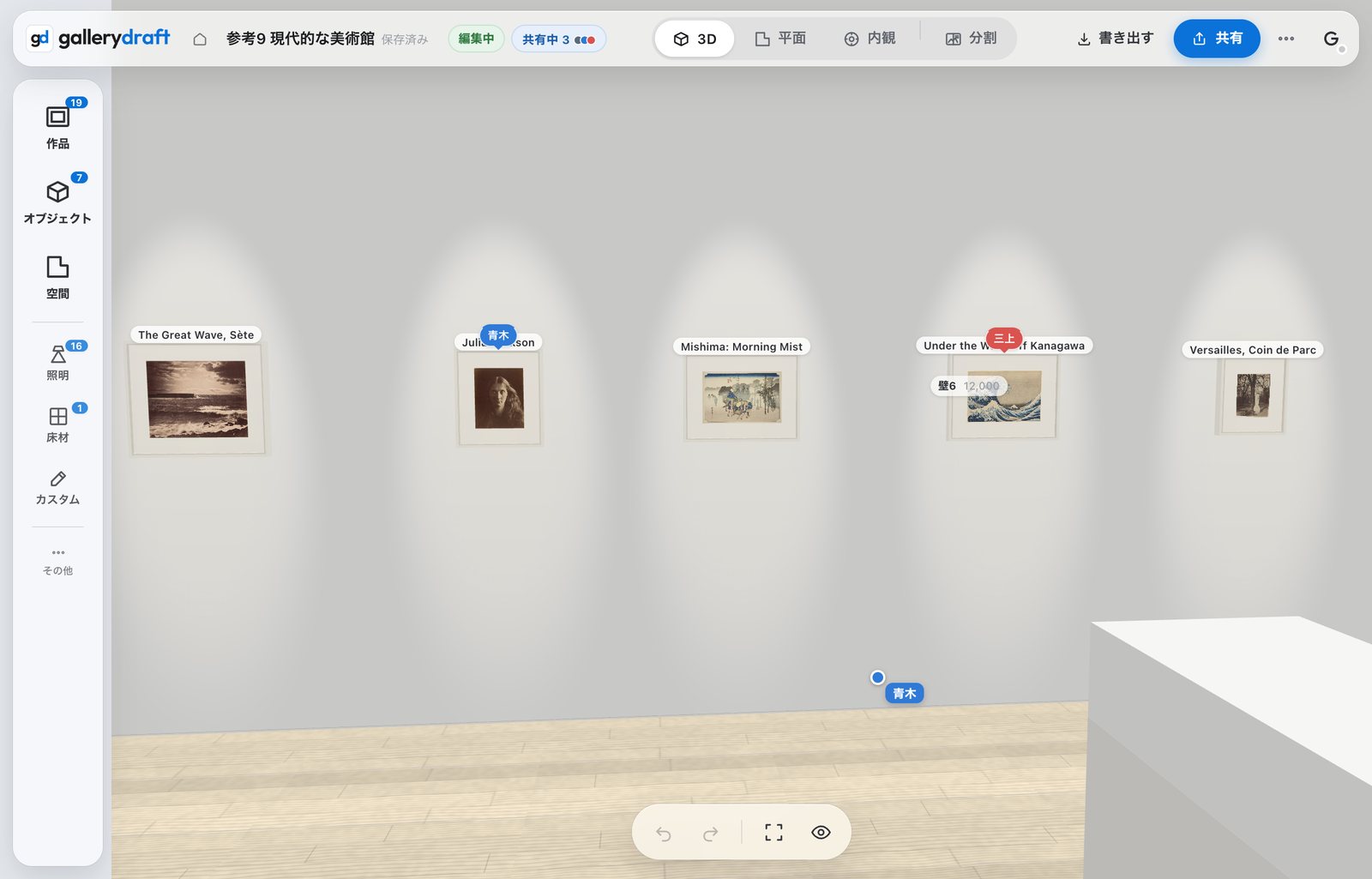
Who is touching what
Cursors carry names. You can see where someone is looking and what they're holding, so two people don't pull the same work in opposite directions.
- Cursors with names
- See what each person is holding
- See who is in the plan
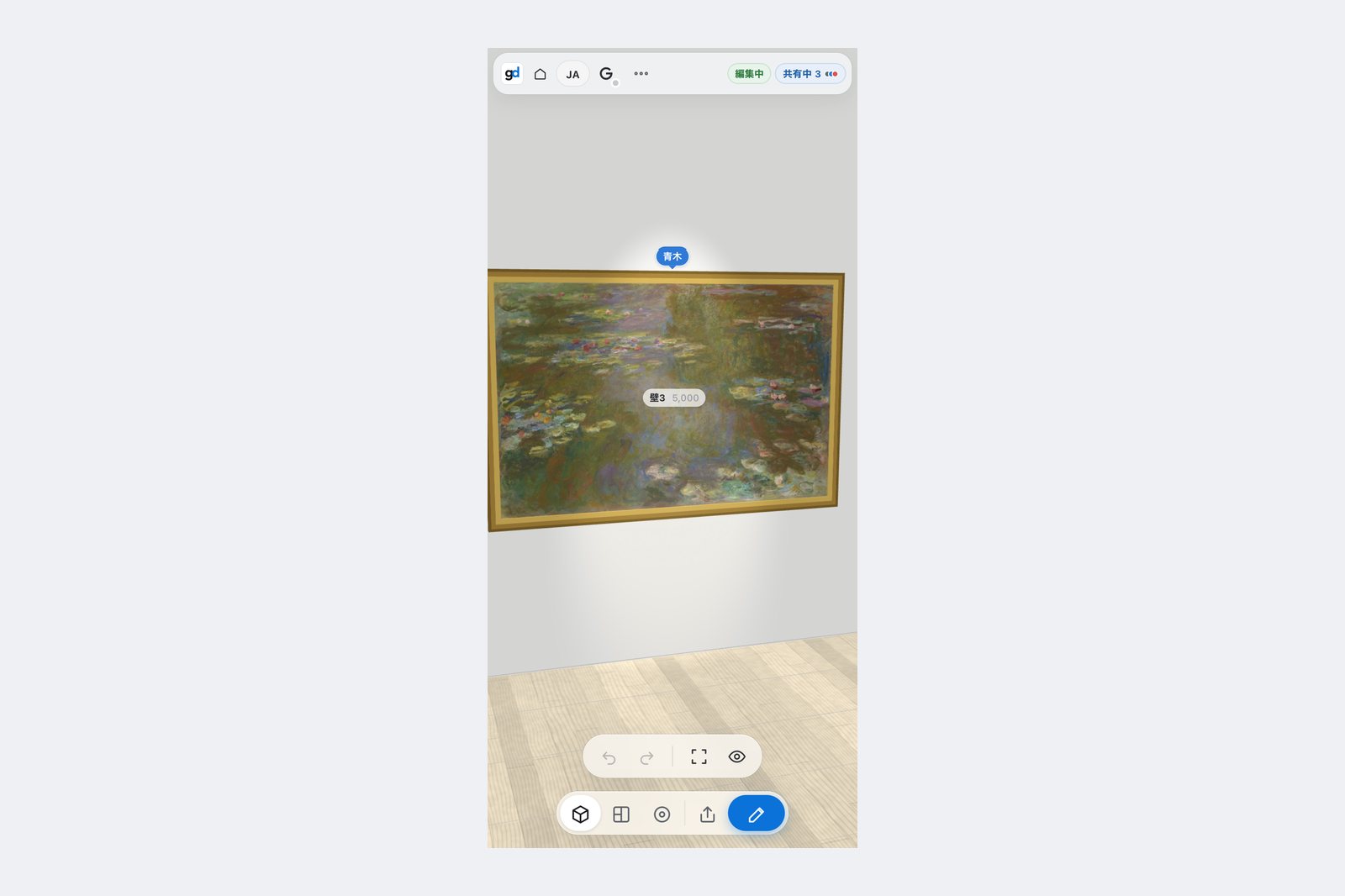
It doesn't matter what they use
Computer, tablet or phone. No install and no sign-up, so you can show it to someone standing in the venue.
- No install
- No sign-up to view
- Works on a phone
- Show it on site

Or share it read-only
You can share a link that only shows. Share links can carry a six-digit password, so even if the link is passed around, nobody without the number gets in.
- A link that only shows
- A six-digit password
- Choose who can edit
- Stop sharing at any time
When it helps
- You're settling a plan with the people showing with you
- You need to show a gallery or a curator
- You're meeting installers from somewhere else
- You want to show the screen while standing in the venue
- You want to show it without letting anyone change it
FAQ
How many people can edit at once?
Ten. It is a Pro feature, free for a limited time.
Does the other person need an account?
No. They just open the link. You only sign in yourself to save to Google Drive.
Can a share link have a password?
Yes, a six-digit number. Even if the link gets passed around, nobody without the number can open it.